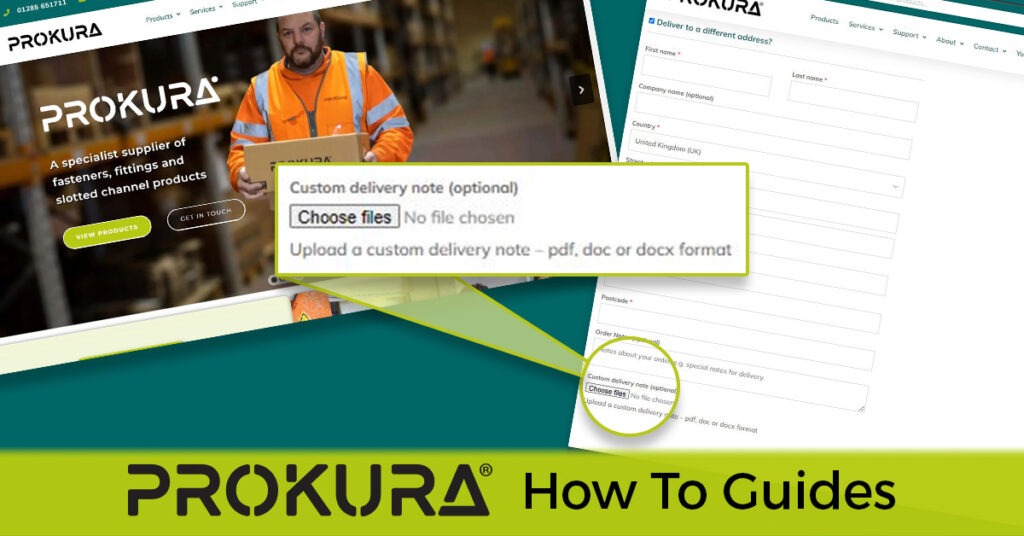
Do you need to include your own custom delivery note when placing an order online? Here’s a simple step-by-step guide to help you through the process:
- Add products to your basket Select the products you wish to purchase and add them to your basket.
- Review your basket When your basket is complete, proceed to the checkout. If you’re not already logged in, make sure to log into your account.
- Navigating the checkout page Enter your billing and delivery details.
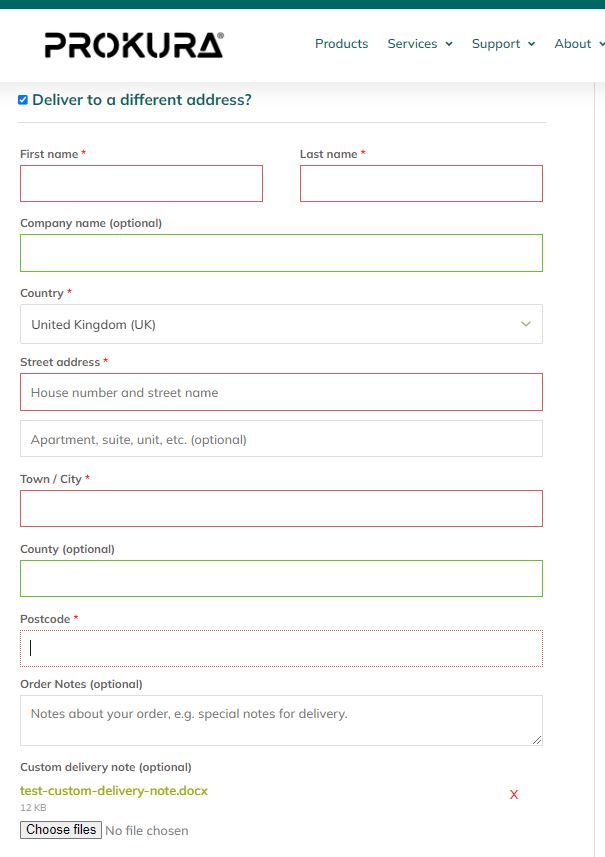
- Add Your Own Custom Delivery Note At the bottom of the delivery details panel, you’ll find an additional field labelled ‘Custom delivery note (optional)’ where you can upload your own custom delivery note to the order.
- Click on the “Choose files” button.
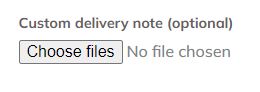
- Find the file (PDF / DOC / DOCX) file with your custom delivery note details inside.
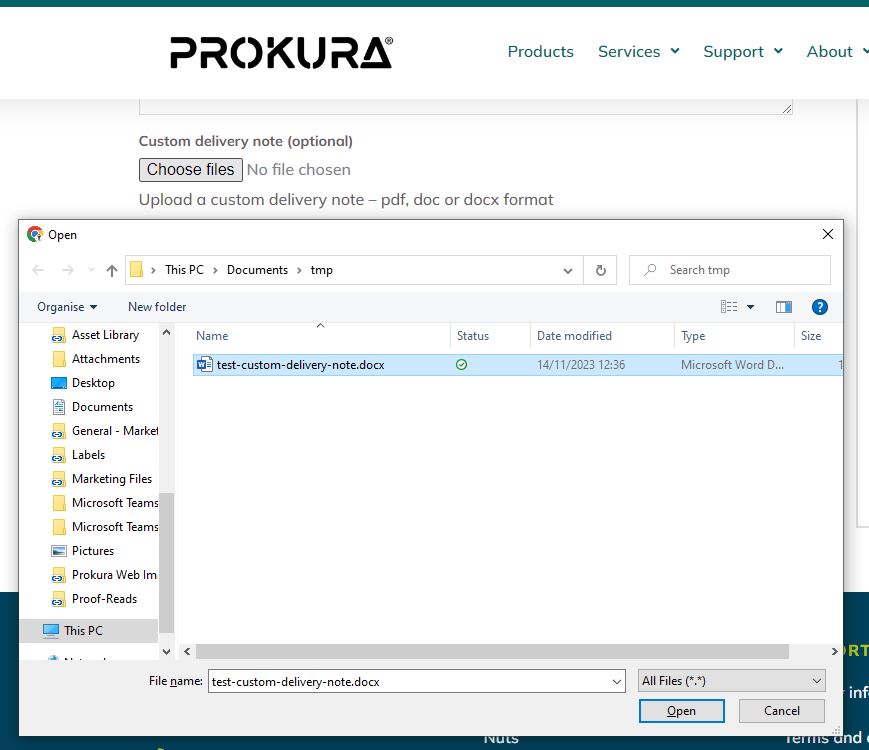
- Select the file.
- Click ‘open’ to attach the file to the order.
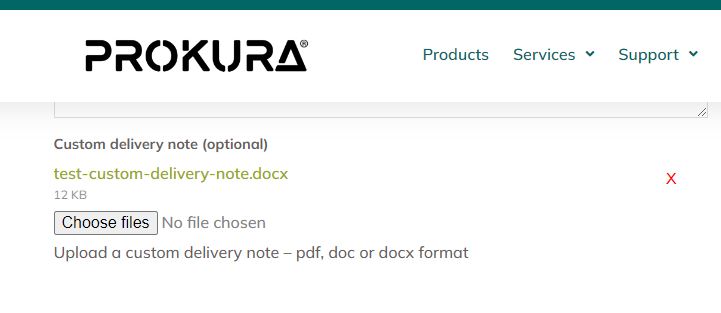
- Check the file has attached successfully.
- To delete the attached file, click the red X to the right of the file attached to the order.